

Product Description
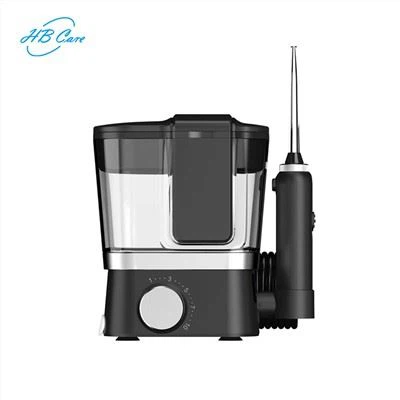
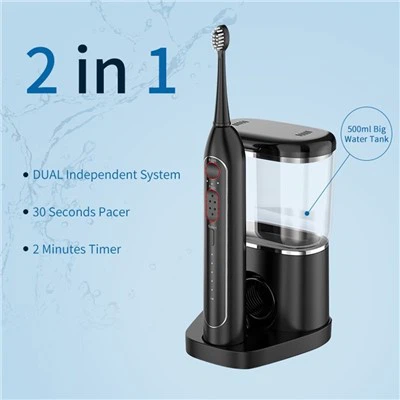
Description for Desktop Waterjet With Brush Head Below:
Brush head
Water flosser nozzle
Brush head storage box
Water tank
Water hose
Water hose silicone holder
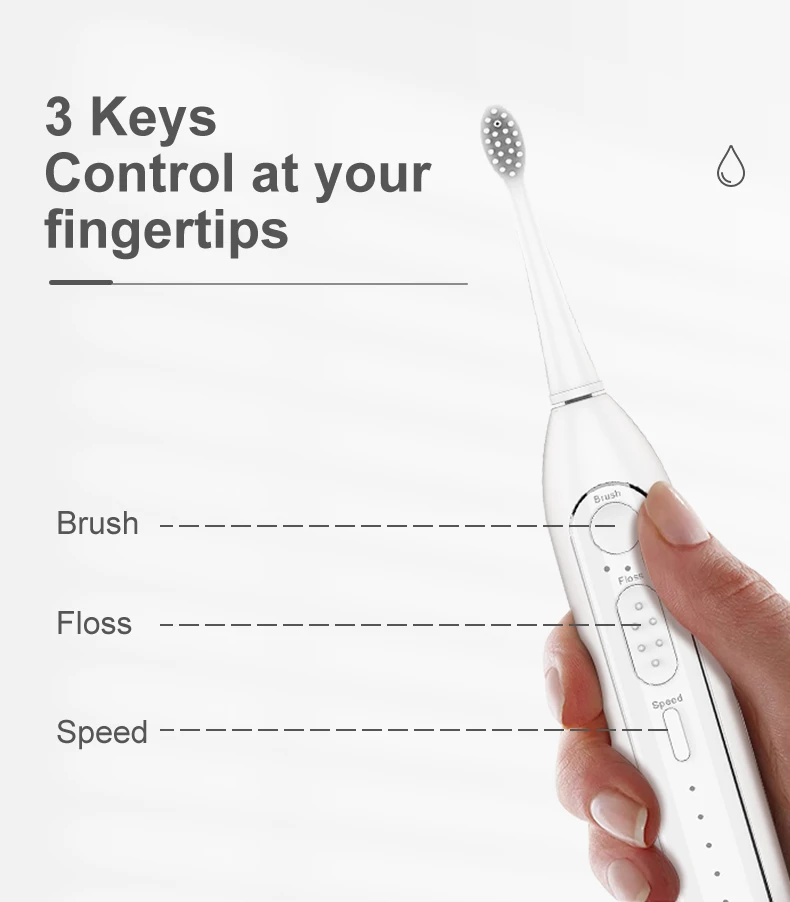
Toothbrush ON/OFF button
Toothbrush speed indicators
Floss ON/OFF button
Floss speed control button
Floss speed indicators
Charge indicator
Main device holder
USB charging port

Recommended Technique
When you use the desktop Waterjet With Brush Head,For best results, position brush along gum line at a 45-degree angle. Press the Brush button to turn the brush ON. Use light pressure and move the toothbrush slowly allowing for the sonic action to clean each tooth individually.Brush can be easily disconnected from the hose if desired (See diagram on product description page).
Quad Timer
About the Quad Timer of the Desktop Waterjet With Brush Head,The brush will create a short pause every 30 seconds to remind you to move to the next section of your mouth. You will brush the outside of the teeth for 30 seconds and then the inside for 30 seconds. This will be repeated on the other arch for a total of 2 minutes to clean all teeth.
minute Timer
The brush will automatically shut off after 2 minutes of run time.
Brush Speeds
The toothbrush gives you the option to choose between three brushing speeds: High, Medium and Low. Press brush button for 0.5 seconds to switch the brush speed, the indicator below the button shows three speed modes: Low (left LED light on), Medium (middle LED light on), High (right LED light on)
Floss
Always place the brush head in your mouth prior to press the Floss button.Lean over the sink and slightly close lips enough to prevent splashing while still allowing water to flow from mouth into sink.
Accessoires
Main device X1
Brush head X2
Brush head storage box X1
Water tank X1
Water tank base with water hose X1
USB cable X 1
Portable flexible hose x 1 ( OPTIONAL )
Hot Tags: desktop waterjet with brush head, suppliers, manufacturers, customized, wholesale, buy, best, pricelist, for sale, OEM ODM, made in China